Generate AI Images With Google Gemini — Here Is Everything You Need to Know
If you have been hearing about AI image generation and wondering how to try it without paying, Google Gemini is worth your attention. What used to be called Google Bard is now Gemini and it has come a long way since the early days.
In February 2024 Google officially renamed Bard to Gemini. Since then the platform has grown into one of the most capable AI tools available and image generation has become one of its standout features.
From Bard to Gemini: What Changed?
The name change was not just cosmetic. Since the renaming in early 2024 the platform has evolved significantly from a single chatbot into a versatile system embedded across major Google services and constantly gaining new features.
When Bard first launched it could not create images at all. That gave tools like ChatGPT Plus a clear lead. Now Gemini has not only caught up but pushed ahead in several areas.
The Image Generation Tools Inside Gemini
Google has built multiple image generation options directly into Gemini.
The main one most users will interact with is powered by Imagen. Google improved the image generation feature and upgraded it to Imagen 3 after pausing it from late February 2024 to late August 2024 to fix issues with image accuracy and bias.
Imagen 3 sets a new standard for image quality and lets you create images with just a few words. You can ask Gemini to create images in various styles including photorealistic landscapes, textured oil paintings, or whimsical claymation scenes.
The newest addition is even more powerful. Google now offers three distinct image generation models through the Gemini API: Gemini 2.5 Flash Image for speed and high volume tasks, Gemini 3 Pro Image for professional asset production with advanced reasoning, and Gemini 3.1 Flash Image Preview for high efficiency developer use cases.
For those wanting the best quality available right now: Imagen 4 is Google’s most capable text to image model yet, with better quality, richer details, and improved spelling and typography that opens up use cases like posters and invitations.
How to Create AI Images with Google Gemini Right Now
It takes under a minute to get started:
-
- Go to Google Gemini
- Sign in with your Google account
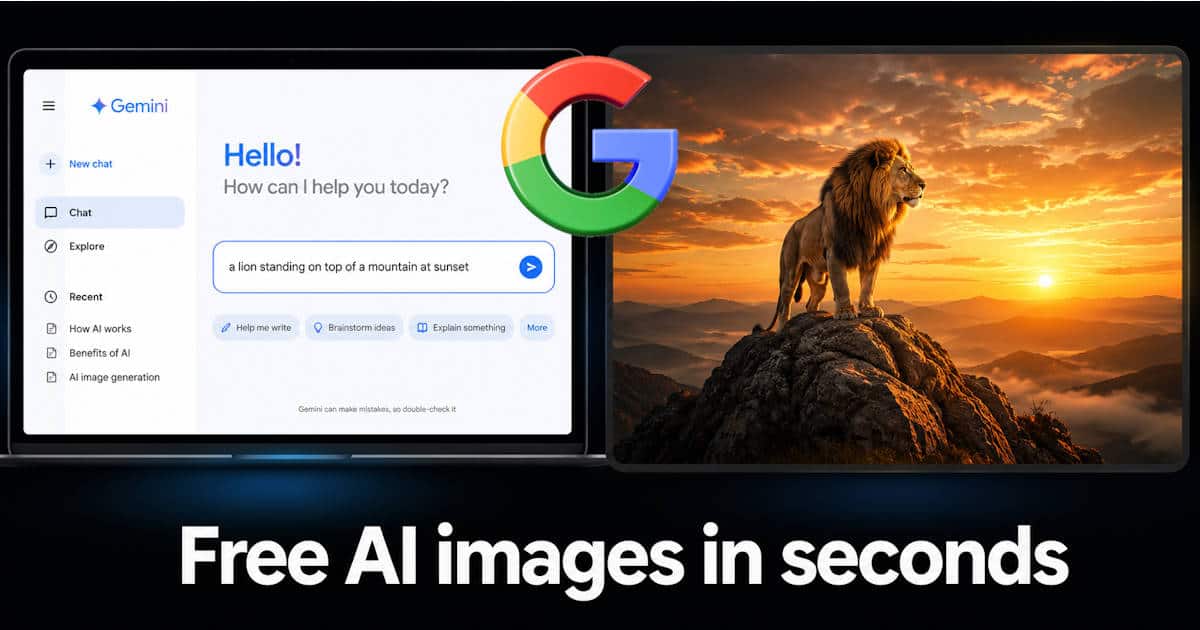
- Type what you want to see such as “a cat sitting on top of a red car at sunset”
- Gemini will generate images based on your description within seconds
- Go to Google Gemini
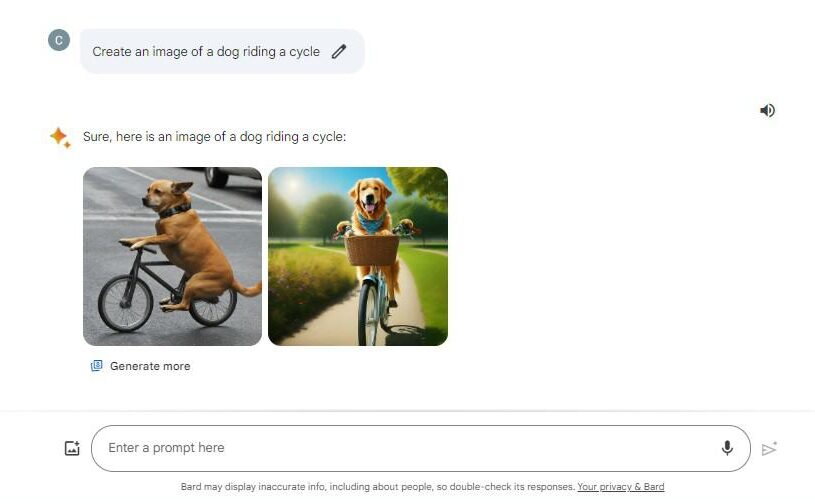
For better results start with a simple formula: try “Create an image of” followed by your subject, the action, and the scene. Then add more detail from there. The more specific you are the better the results.
Is It Free?
The free tier of Gemini gives you access to image generation without any payment. The Gemini model has a free tier while Imagen on the API side is priced at around three cents per image. For regular users just visiting gemini.google.com you can generate images at no cost.
How Google Handles Safety?
Every image made through Gemini carries a SynthID watermark. This is an invisible digital mark that identifies the image as AI generated. Gemini also uses a visible watermark on some outputs. You can even upload an image to the Gemini app and ask if it was generated by Google AI using this same SynthID technology.
Google does not support the generation of photorealistic identifiable individuals, depictions of minors, or excessively violent or sexual scenes. These limits exist to keep the tool safe and responsible.
Gemini 3 Pro Image: The Most Advanced Version
For power users and developers Google has released something significantly more capable. Gemini 3 Pro Image was released in November 2025 as part of the Gemini 3 model family combining advanced reasoning with high quality visual generation.
It is designed to tackle the most challenging image generation tasks by incorporating state of the art reasoning capabilities and is the best model for complex and multi turn image generation and editing with improved accuracy and enhanced image quality.
Gemini 3 Pro Image features real world grounding using Google Search, a built in thinking process that refines composition before generating, and can produce images at up to 4K resolution.
Where Else Is Gemini Going?
Google is not keeping image generation limited to one place. The plan is to roll it out across the entire Google ecosystem. That includes Google Search, Google Ads, Google Workspace, and Google Cloud. For businesses and creators this means AI image tools could show up in apps millions of people already use every day.
Written by
Engineering Junkies Team
We are a team of engineers, researchers and technology writers who love breaking down complex topics into clear and honest content. Every article we publish is built on real research and honest writing.
You can reach us through our Contact Us page.